
End-to-End Cost Tracking Built for Shopify Stores
Bloom tracks every fixed and variable cost: product costs, shipping, fees, returns, tariffs, and overheads. The profit you see is the profit you keep.

You Might Already Track Your Expenses
But does your profit number account for all of them?
- Product costsVariable[−$42.00]
- ShippingVariable[−$9.50]
- Payment feesVariable[−$3.78]
- ReturnsVariable[−$2.40]
- TariffsVariable[−$4.20]
- OverheadsFixed[−$6.00]
Keep COGS Accurate as Your Costs Change
Product costs rarely stay fixed. Set them the way your suppliers actually charge you, and Bloom applies the right cost to every order, past and present.
| Situation | What you do in Bloom |
|---|---|
| Stable costs? | Set one fixed cost per variant. |
| Prices change over time? | Set cost periods by date. If a cost rises from $10 to $12 on September 1, orders placed before then keep $10. |
| Different costs by market? | Set a separate cost for each country. |
| Quantity breaks or tiered pricing? | Add quantity tiers and choose how they apply: Absolute, Incremental, or Flat Rate. |
| Large catalogue? | Edit a single variant, or export to Excel/CSV, update in bulk, and import it back. |
| Updating an old cost? | Apply the new cost to future orders only, or recalculate existing orders too. |
| Deleted a product in Shopify? | No problem. Bloom keeps its full cost history. |

Qty 1–2 = $8, Qty 3–5 = $4. For an order of 3 units:
Shipping Isn’t Flat, So Don’t Track It Flat
Rates vary by product, destination, weight, order value, and shipping method. Set rules that match how your carriers charge you, or pull the real cost directly from them.
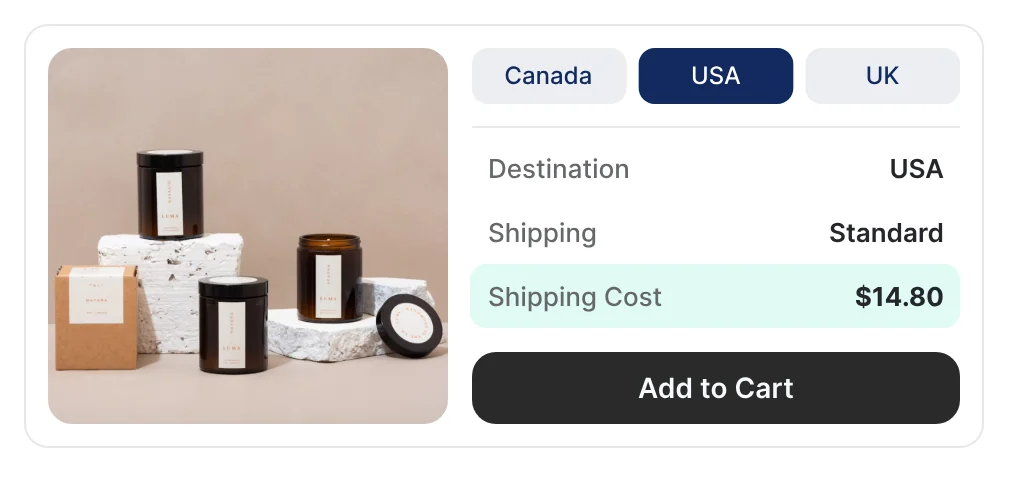
Connect carrier & label costs
Connect ShipStation, ShipHero, FedEx, and more. Bloom fetches your actual shipping costs in the background.
Rules by region and method
Set different rules for each shipping zone worldwide and each shipping method you use.
Rules by order
Base the cost on total weight, number of items, or order value, or apply a fixed rate.
Rules by product
Group products (small, heavy, fragile, special packaging) and give each group its own rule.
Rules by location and channel
Set costs by fulfillment location or sales channel, such as Shopify or Amazon.
Quick start
Use the shipping you charge customers as your shipping cost until your rules are ready.
Returns Aren’t Free. Count What They Cost.
When an order comes back, you still pay to ship it and process it. Bloom adds both costs to that order’s profit.
- Order value
- [$80.00]
- Return shipping[$6.00] per return
- [−$6.00]
- Return handling[$3.00] per returned item
- [−$3.00]
Return shipping
Charge a fixed rate per return or a percentage of order value, or use the same cost as outbound shipping.
Return handling
Set a cost per returned item for receiving, inspecting, and restocking, or use your outbound handling cost.
Past orders
Apply return costs to historical orders so past profit reflects them too.
Account for Every Fee Taken From an Order
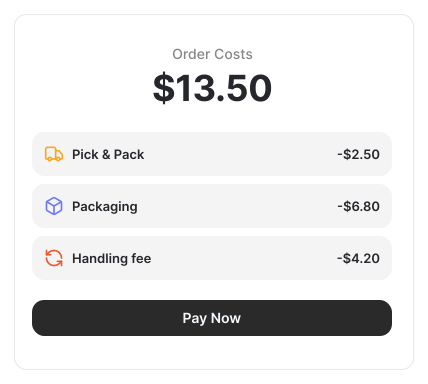
Some costs come out of every sale before the money reaches you. Bloom deducts them order by order.
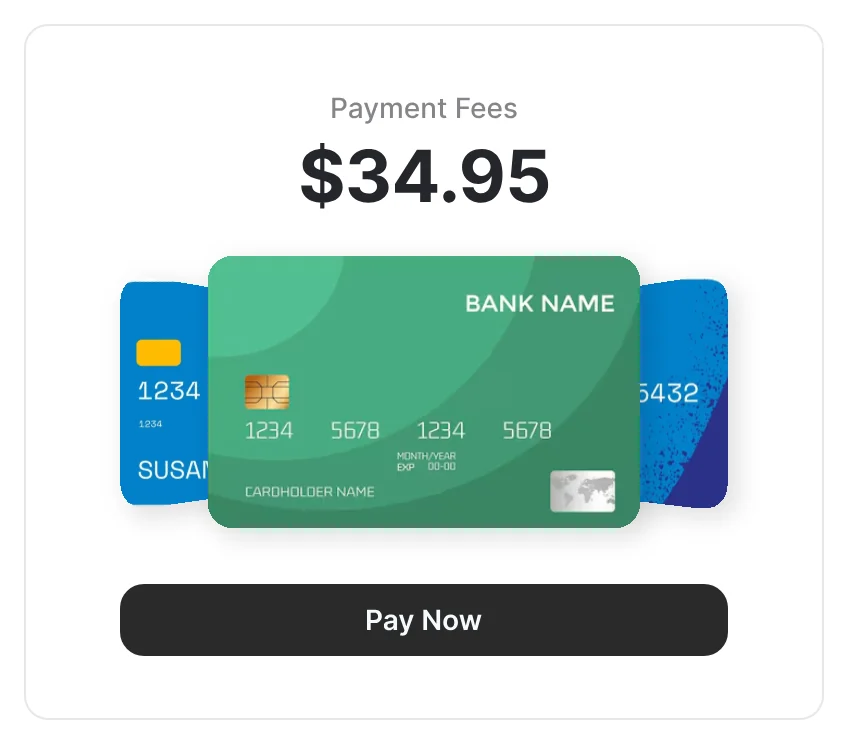
Payment gateway fees
Fees for Shopify Payments and PayPal are fetched automatically. For other gateways, set a percentage fee, a fixed fee, or both.
Track Expenses From Pennies to Payroll
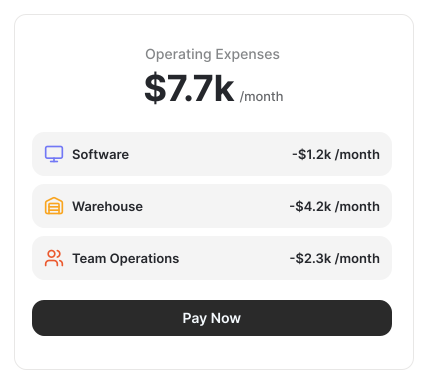
Bloom accounts for recurring, occasional, and one-time costs, so your net profit reflects reality for any date range.
Rent and lease, IT and software, storage fees (3PL, warehouse, Amazon FBA), maintenance
Salaries and wages; professional fees (legal, accounting, design, tech, consulting); non-ad marketing
Interest on loans, credit cards, tax payments (GST, VAT, sales tax), and tax claimed back
Other COGS and other business operational expenses
Set it once
Add warehouse rent as $2,000 per month, and Bloom applies it to every month automatically.
Any schedule
Daily, weekly, monthly, yearly, one-time, or a fixed date range.
Bring in bulk
Extract expenses from bills with AI, or import them from Google Sheets.