


Shopify multi-channel selling means listing the same catalog across more than one sales surface: your online store, TikTok Shop, Instagram, Amazon, eBay, Google Shopping, and physical retail through Shopify POS while running products, inventory, orders, and customers from a single Shopify admin. For most growing merchants, it's no longer a strategy question. It's how modern commerce works.
This guide covers the channels, the real difference between multi-channel and omnichannel, setup, day-to-day management, the common failure points, and the part most guides skip: how to track real profitability across channels instead of just revenue.
Key takeaways
- Multi-channel means selling the same catalog across your online store, social, marketplaces, and retail from one Shopify admin.
- Multi-channel is not omnichannel. Omnichannel connects those channels into one unified customer experience.
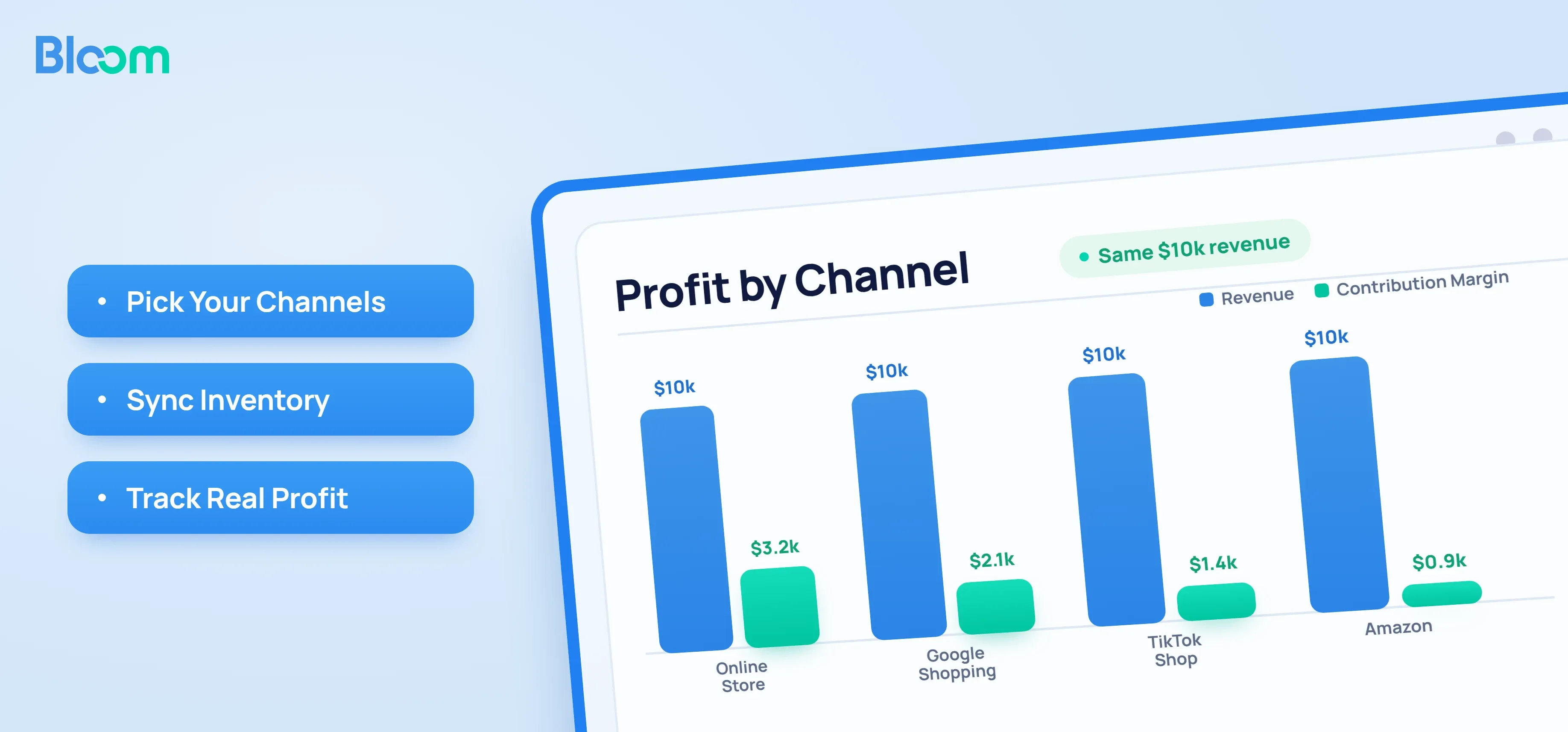
- Each channel has its own fees, return rates, ad costs, and payout timing. Two channels with identical revenue often have very different contribution margins.
- Shopify syncs inventory natively across its own channels, but cross-platform sync through third-party apps still breaks in practice.
- Revenue by channel is the wrong success metric. Contribution margin by channel (revenue minus COGS, platform fees, shipping, and channel-attributable ad spend) is what should drive where you invest.
Shopify multi-channel selling, explained
On Shopify, your admin is the hub. Products live in one catalog, inventory lives in one pool, and every connected surface (Online Store, Shop app, Instagram, Facebook, TikTok Shop, Google, Amazon via apps, Shopify POS) pulls from it. You publish products to the channels where you want them to appear, Shopify keeps inventory counts in sync, and orders from every channel land in the same Orders view for fulfillment.
Single-channel means selling through one surface, usually your Shopify storefront. Multi-channel means the same catalog, the same inventory pool, and the same back office are powering several at once. Operational complexity scales with channel count, and so does the need to understand profitability per channel, not just in aggregate.
The Shopify sales channels worth knowing
Shopify Online Store
Your own storefront. The highest-margin channel for most merchants because you own the customer, the brand experience, and the data and pay no marketplace commission.
Social media channels (Facebook, Instagram, TikTok)
Facebook and Instagram Shops let shoppers browse your catalog and often check out in-app. TikTok Shop lets creators tag products in videos and lives, with purchase happening without leaving TikTok. These channels blend discovery, content, and transactions in one place.
Online marketplaces (Amazon, eBay, Etsy)
Marketplaces give you access to huge intent-driven audiences, but you pay for it: referral fees, fulfillment fees if you use FBA, and limited visibility into the customer. Most merchants connect these through third-party apps in the Shopify App Store.
Google Shopping and YouTube
The Google & YouTube channel syncs your catalog into Google Merchant Center, powering free Shopping listings, paid Shopping ads, and product tags on YouTube. For considered purchases, this is often the highest-intent paid channel.
Shopify POS and physical retail
Shopify POS lets a physical store, pop-up, or market stall share the same inventory and customer records as the online store. Online and in-store become one business rather than two.
B2B and wholesale
Shopify's native B2B features let you run wholesale alongside DTC (company profiles, price lists, net-term invoicing) without maintaining a separate store.
Multi-channel vs. omnichannel: the real difference
Multi-channel means you are present on multiple channels. Each channel runs more or less independently, and a shopper who finds you on Instagram and one who finds you on Amazon may have very different, disconnected experiences.
Omnichannel is multi-channel done at a higher level of integration. The channels are stitched into one continuous customer experience: a shopper can start a cart in the app, finish it on desktop, return the item in-store, and have one unified profile, one loyalty balance, and one order history across all of it.
| Dimension | Multi-channel | Omnichannel |
|---|---|---|
| Focus | Channel presence | Customer experience |
| Channel relationship | Independent silos | Interconnected |
| Customer view | Fragmented per channel | Unified profile |
| Inventory | Often per channel | Shared pool |
| Marketing | Channel-specific | Coordinated across channels |
Most merchants start multi-channel and move toward omnichannel as volume grows. If you only sell DTC and most orders happen on one or two surfaces, true omnichannel infrastructure is overbuilt. Once online and retail share customers, or once newer channels start feeding returning customers, omnichannel becomes worth the investment.
Why Shopify merchants go multi-channel
Each channel has its own audience with its own shopping habits. TikTok Shop reaches discovery-mode browsers; Google Shopping reaches intent-driven searchers; Amazon reaches comparison shoppers. Being present on more than one channel multiplies the top of your funnel, and the same product that converts at 1.8% on your Shopify store might convert at 4% on TikTok Shop with the right creator content behind it.
The second reason is risk. Channel concentration is a business risk: when 80% of revenue comes from one ad platform or one marketplace, a policy change or account suspension can take out the business overnight. Multi-channel spreads that risk and compounds brand visibility: a shopper who sees you on Instagram, then Google, then a marketplace is far more likely to buy than one who sees you once.
How to set up multi-channel selling on Shopify
1. Match channels to your product and audience, not to maximum coverage. A high-consideration DTC brand usually prioritizes the online store, Google, and Meta before Amazon. A viral-friendly consumable gets outsized returns from TikTok Shop. Launching on six channels at once usually means executing none of them well.
2. Add channels in Settings → Apps and sales channels. Shopify's first-party channels (Online Store, Shop, Google & YouTube, Facebook & Instagram, TikTok, POS) install directly. Marketplaces and additional channels come through the App Store.
3. Connect marketplaces through an integration app. Amazon, eBay, and Etsy each have their own account linking, category mapping, and listing rules.
4. Publish products and confirm the fields each channel requires. Google needs GTINs for many categories, Amazon has strict title and bullet formats, and TikTok Shop has its own category tree.
5. Set fulfillment routing per channel. Shopify can route orders to different locations based on channel, inventory availability, or priority. FBA orders, for example, should not pull from your 3PL stock.
6. Place real test orders on each channel before volume ramps. The failures to watch for: inventory not decrementing in Shopify after a marketplace sale, orders not appearing in Shopify admin, tax calculation differences, and shipping-rate mismatches.
How to manage multiple channels day to day
Treat Shopify as the single source of truth. Edit products in Shopify and let changes propagate; if you are editing the same SKU in Shopify, Amazon Seller Central, and TikTok Shop separately, you will drift out of sync within weeks. Every order lands in Shopify's unified Orders view tagged with its source channel; use that tag for routing, reporting, and customer service.
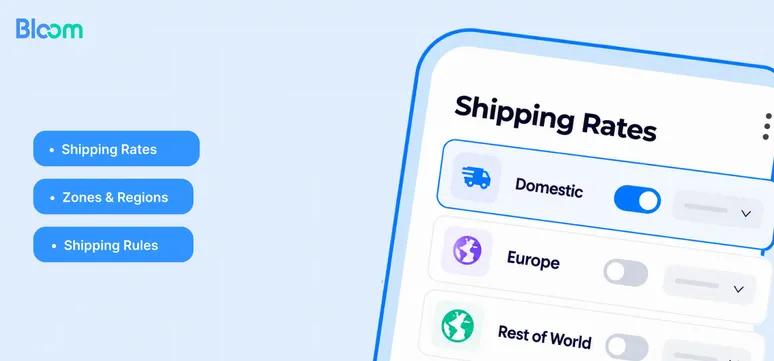
Keep product information consistent at the brand level. Deliberate price differences by channel can make sense (to cover marketplace fees, for instance), but accidental ones cause customer-service pain and cannibalization. Define shipping rules per channel too: marketplace orders usually need faster shipping to stay in good account standing, while your own storefront can offer slower, cheaper options. Returns policies should match in spirit but may execute differently (an Amazon return goes through Amazon; a storefront return comes to you).
Shopify's built-in analytics show sales by channel out of the box. For anything beyond that (profitability, contribution margin, blended ROAS), you will need a dedicated analytics layer.
Common challenges of Shopify multi-channel selling
Inventory sync breaking. The classic failure: a unit sells on Amazon and on Shopify within the same minute, both think they have stock, and one customer gets a cancellation email. Native Shopify channels sync reliably; third-party integrations are the risk layer. Buffer stock levels and check sync intervals.
Fees and unit economics differ by channel. Amazon referral fees by category, TikTok Shop commission per order, Google Shopping ad spend, your storefront's payment processing. The net you pocket on the same $50 order can differ by $5 to $15 across channels, and few merchants have this at their fingertips.
Attribution is genuinely hard. iOS 14.5 changed what Meta can see. Walled gardens like TikTok and Amazon report their own numbers that rarely match blended views. Last-click attribution over-credits bottom-funnel channels and under-credits awareness channels.
Profitability is invisible in standard reports. Revenue by channel is in every dashboard. Profit by channel is in almost none. A channel can produce 30% of revenue and 5% of profit or lose money entirely once fees, shipping, returns, and ad spend are counted, and the standard Shopify reports will not tell you.
How to track sales and profitability across multiple Shopify channels
This is the section most multi-channel guides skip, and it is the one that actually changes the decisions you make.
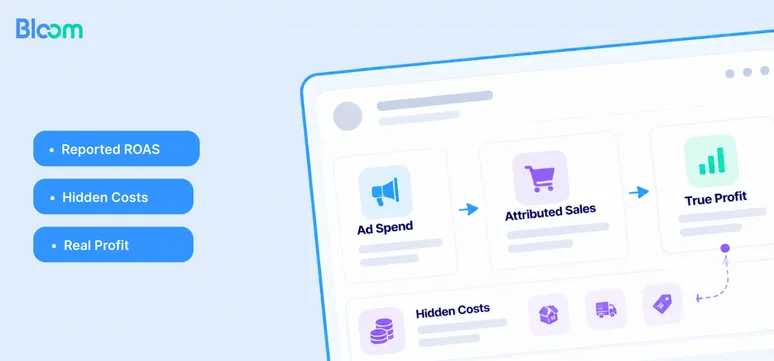
Revenue hides cost structure. Two channels selling the same product at the same price can have wildly different contribution margins once you subtract COGS, shipping, platform fees, return rates, and attributable ad spend. The channel that looks like your hero on a revenue chart can be the one quietly draining cash.
For every channel, you need to see:
- COGS on units sold, including channel-specific packaging or inserts.
- Platform fees: referral, transaction, FBA, commission.
- Payment processing by channel and payment method.
- Shipping costs net of what the customer paid.
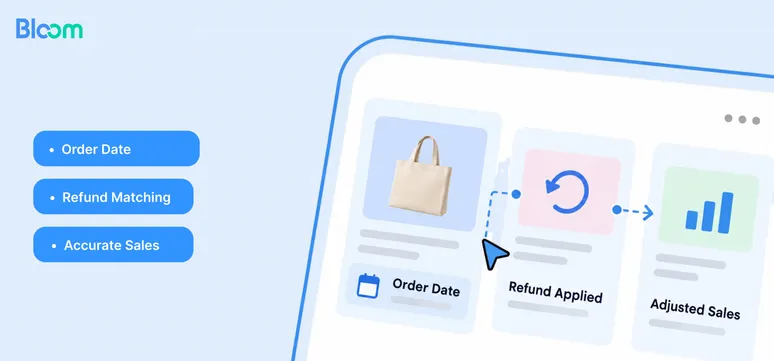
- Return rate and refund cost by channel.
- Ad spend attributable to the channel, net of platform-reported ROAS claims that rarely survive scrutiny.
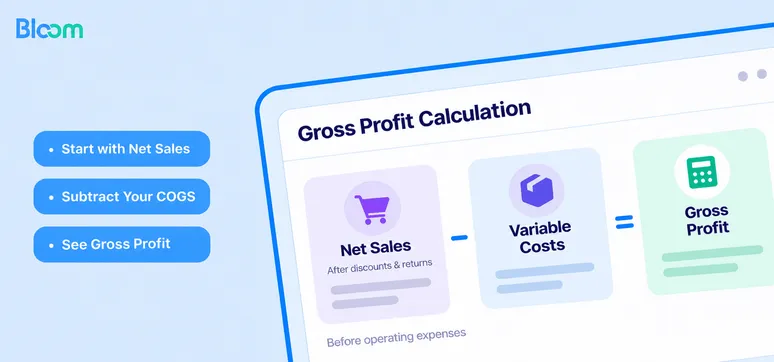
A useful multi-channel P&L looks like a table where rows are channels and columns are revenue, COGS, gross profit, platform fees, shipping, ad spend, and contribution margin in both dollars and as a percentage of revenue. That view regularly surprises merchants: the channel they thought was flat is actually their highest-margin one; the one they doubled down on last quarter is losing money at the unit level.
Rank channels by contribution margin dollars, not percentage. Margin percentage is useful, but a high-margin channel doing tiny volume is not where you scale. Then look at marginal economics: if you spent the next $10,000 on this channel, what would come back? That is where the budget should move.
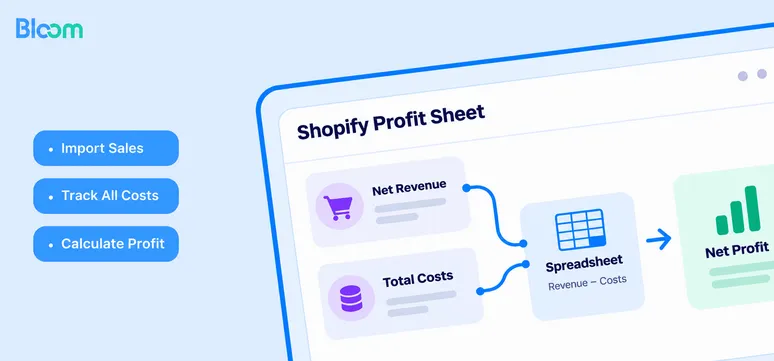
This is the gap Bloom was built to close. Bloom is a profit analytics app for Shopify merchants that connects your Shopify data with your COGS, your ad spend across Meta, Google, and TikTok, and your fulfillment costs, and reports contribution margin and net profit by channel out of the box, without a spreadsheet build-out. Because every Bloom user is a Shopify merchant, Shopify is already connected; additional channels like TikTok Shop and Amazon are added on top. The profit ladder is standardized across every merchant (Product Gross Profit, Gross Profit, Contribution Margin, Net Profit), so you can actually compare channels, products, and campaigns against each other instead of arguing about definitions.
See profit by channel, not just revenue, on Bloom’s free plan.
Conclusion
Multi-channel selling is how Shopify merchants grow past the ceiling of a single storefront. Done well, it expands your audience, diversifies revenue, and builds the kind of brand presence a single channel cannot. Done badly, it multiplies costs faster than revenue and hides which channels are actually working.
The piece that decides which outcome you get is measurement. Channel sales dashboards are commodity. Channel-level contribution margin is still rare, and it is the number that should drive where you invest next. If you want that view for your Shopify store without a spreadsheet build-out, install Bloom — it connects your Shopify, ad platforms, COGS, and fulfillment costs and reports profit by channel, product, and campaign using a consistent profit ladder, so you can see in one place which channels are actually earning their keep.
FAQs
How many sales channels can you connect to Shopify?
There is no hard limit. Most merchants connect three to seven: online store, one or two social channels, Google, POS if they have retail, and often one marketplace. Adding channels beyond that rarely pays for itself unless each one is run deliberately.
Does Shopify automatically sync inventory across channels?
Shopify natively syncs inventory across its own sales channels. Third-party marketplace integrations sync through their apps, which vary in reliability and refresh interval. Buffer stock and spot checks are still worth it.
Can Shopify manage orders from multiple channels in one place?
Yes. Every connected channel's orders flow into the same Orders view in Shopify admin, tagged by source channel, so you fulfill, refund, and report from one place.
What's the difference between multi-channel and omnichannel selling?
Multi-channel is about being present on multiple channels. Omnichannel is about connecting those channels into one unified customer experience, with shared profiles, inventory, and journey across every surface.
How do you track profit, not just sales, across Shopify channels?
Shopify's built-in analytics show revenue, orders, and conversion rate by channel — but not profit. For contribution margin and net-profit-by-channel views you need a profit analytics layer like Bloom, which combines Shopify data with ad platforms, COGS, and fulfillment costs.